
How to Automate Guest Check-in with Smart Locks
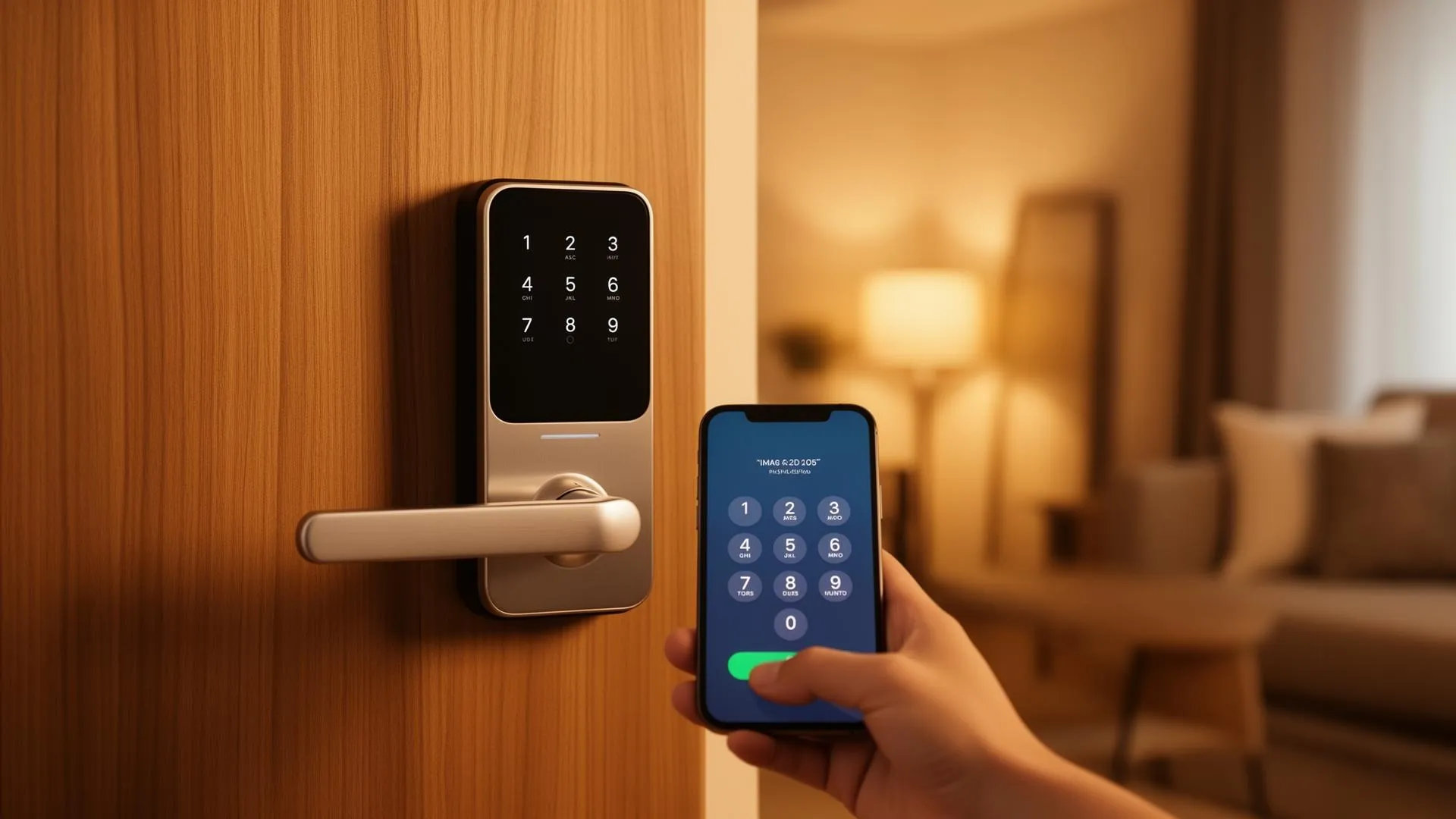
The days of coordinating key handoffs with guests arriving at midnight are over. Smart locks have fundamentally transformed how vacation rental managers handle guest access - and when combined with a platform like Xentra, most of the check-in process runs automatically.
Why Self Check-in Matters
According to industry data, over 70% of guests prefer self check-in when booking short-term rentals. The reasons are simple: flexibility, privacy, and convenience. Guests don't want to coordinate arrival times, and property managers don't want to spend evenings waiting at doorsteps.
For managers operating multiple properties, manual key handoffs simply don't scale. Each check-in consumes 15-30 minutes when you factor in travel time, waiting, and the handoff itself. With 20+ properties, that's an entire workday lost to logistics every week.
How Xentra's Smart Lock Integration Works
Xentra connects directly with the APIs of leading smart lock manufacturers. Here's the flow:
- Booking syncs from your PMS - Xentra pulls check-in/check-out dates from Smoobu, Hostaway, Beds24, Lodgify, Smily, or iLoca.
- Access code is generated automatically - With Nuki, Tedee or igloohome, a unique, time-limited PIN code is created for each booking. The code activates at check-in time and expires at check-out.
- Guest receives their code - Via automated WhatsApp, SMS, or email message, the guest gets their access code along with property instructions.
- Access is logged - Every lock/unlock event is recorded in Xentra's access log with timestamps for security and audit purposes.
Supported Smart Lock Systems
Nuki Smart Lock
Nuki is one of the most popular retrofit smart locks in Europe. Xentra's deep integration allows you to:
- Generate time-limited access codes per booking
- Monitor battery levels and lock status remotely
- View a complete access audit log per property
- Automatically revoke access at check-out
Nuki's keypad accessory (Nuki Keypad 2.0) is the recommended hardware - guests simply enter a 6-digit code on the keypad mounted next to the door.
igloohome
igloohome's algoPIN™ technology generates PIN codes that work without requiring an internet connection at the lock itself. This makes igloohome an excellent choice for properties in areas with unreliable WiFi. Xentra generates these codes server-side and sends them to guests automatically.
SALTO Systems
For larger operations - think aparthotels and managed buildings - SALTO provides commercial-grade access control. Xentra integrates with SALTO's cloud platform to manage access credentials across dozens or hundreds of doors from a single dashboard.
Ring Intercom
For buildings with existing intercoms, Ring Intercom lets you buzz guests in remotely. Xentra can trigger a remote unlock when a guest presses the intercom button during their stay window - perfect for apartment buildings where you can't install a lock on the main entrance.
The Guest Access Portal
Beyond just sending a PIN code, Xentra provides a Guest Access Portal - a mobile-friendly web page that contains everything the guest needs:
- Access code and instructions
- WiFi password
- House rules and property guide
- Local recommendations
- Emergency contact information
The portal link is included in the check-in message and requires no app download - it's just a web page. Try the live demo →
Security Considerations
Automated access doesn't mean less security - it means better security. Here's why:
- Unique codes per guest - No more master keys floating around. With Nuki, Tedee or igloohome, each booking gets a unique code that expires automatically.
- Complete audit trail - Every access event is logged with a timestamp. You know exactly who entered and when.
- Remote monitoring - Check lock status and battery levels from your Xentra dashboard without visiting the property.
- Instant revocation - If a guest overstays, you can revoke their access with one click.
Getting Started
Setting up smart lock integration in Xentra only takes a few minutes per property:
- Install and pair your smart lock hardware (follow the manufacturer's app)
- Connect your lock provider account in Xentra's Settings → Integrations
- Assign locks to their respective units
- Configure your check-in message template to include the
{{access_code}}variable - Done - for Nuki, Tedee and igloohome locks, codes are now generated and sent automatically for every new booking
"We switched from lockboxes to Nuki + Xentra across 45 apartments. Guest satisfaction scores went up 12%, and we eliminated 30+ hours per week of key management." - Property manager, Berlin
Ready to streamline your rental management?
Try Xentra free for 7 days - no credit card required.
Start Free Trial