
Unified Inbox
Every message, one place
All guest messages from WhatsApp, email, and SMS converge in one unified inbox. Reply from one interface, use AI to draft responses, auto-translate messages, so conversations don't slip through. Includes desktop notifications in the browser and push notifications in the mobile app.
Try It Free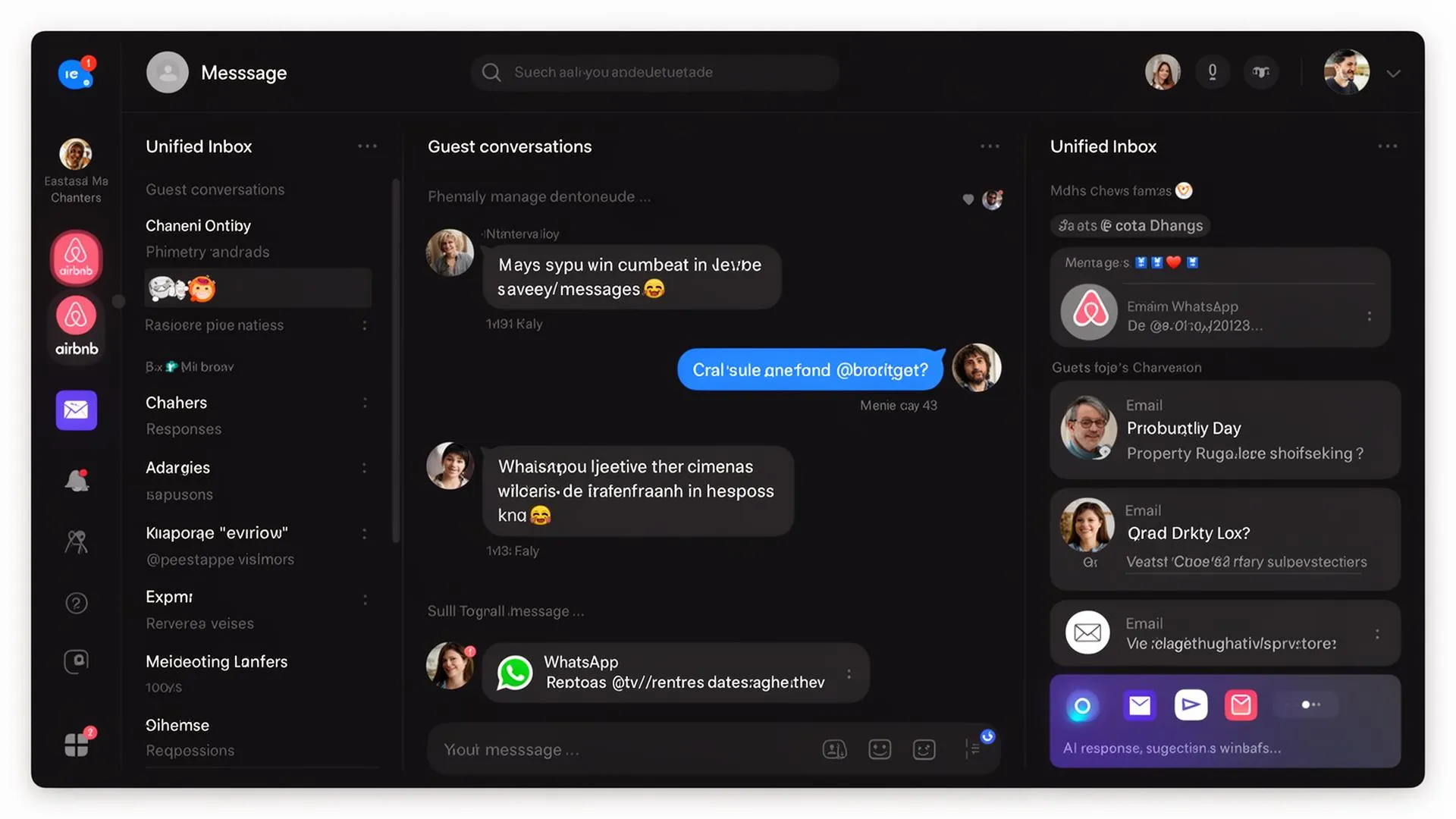
What you gain
Every feature creates value for both sides - you and your guests.
For the Host
Every message in one place, faster replies
- Stop switching between WhatsApp and email - everything is in one place.
- AI-drafted replies mean you respond in seconds, not minutes. Especially powerful for repetitive questions like "What's the Wi-Fi password?" or "Where do I park?"
- Auto-translation breaks language barriers - serve international guests effortlessly without speaking their language.
- Merge tags eliminate manual copy-pasting of access codes, check-in instructions, and property details.
- The booking details sit next to each conversation, so the whole team has the context.
For the Guest
Fast, helpful responses in your language
- Get replies in your own language, no matter where the property is located.
- Faster response times because your host sees and replies to all messages from one place.
- Contextual replies mean the host always knows your booking details - no need to repeat yourself.
- Consistent communication quality regardless of which platform you booked through.
How it works
A step-by-step look at the experience.
The inbox shows all conversations sorted by latest message, with unread indicators and source channel badges (WhatsApp, Email, SMS).
Click any conversation to open the full message thread with the guest's booking context - property name, dates, check-in status - displayed alongside the chat.
Use AI to draft a response: click the sparkle icon, and AI generates a contextual reply based on the conversation history and your FAQ knowledge base. Edit before sending or send directly.
Auto-translation detects the guest's language and translates incoming messages to your language. Your replies are auto-translated back to the guest's language.
Merge tags (dynamic variables) auto-fill guest name, property name, check-in date, Wi-Fi password, door code, and more into your messages.
Desktop notifications alert you to new messages while the inbox is open in another tab, and the mobile app sends push notifications.
Feature deep dive
Detailed look at every capability within Unified Inbox.
Conversation List
All active conversations sorted by latest message. Each row shows guest name, channel icon, unread count, last message preview, and linked property. Filter by channel, read/unread, or search by guest name.
Message Thread
Full conversation history with the guest, including outgoing and incoming messages, timestamps, and delivery status. Messages from different channels appear in the same thread if the guest is linked.
AI Response Drafting
Click the AI button to generate a contextual response. The AI considers the guest's question, your FAQ knowledge base, booking details, and conversation tone. You can edit before sending or accept directly.
Auto-Translation
When enabled, incoming messages are translated to your language (visible as "original + translated" toggle). Your replies are translated to the guest's detected language before sending.
Merge Tags
Insert dynamic variables into any message: {{guest_name}}, {{checkin_date}}, {{checkout_date}}, {{property_name}}, {{wifi_password}}, {{door_code}}, {{directions_link}}, and more. Tags resolve to actual values when the message is sent.